Choosing a role
Influencer or business in MeerPartners: how the roles differ, how to activate the affiliate workspace in one click and how to create a business account.
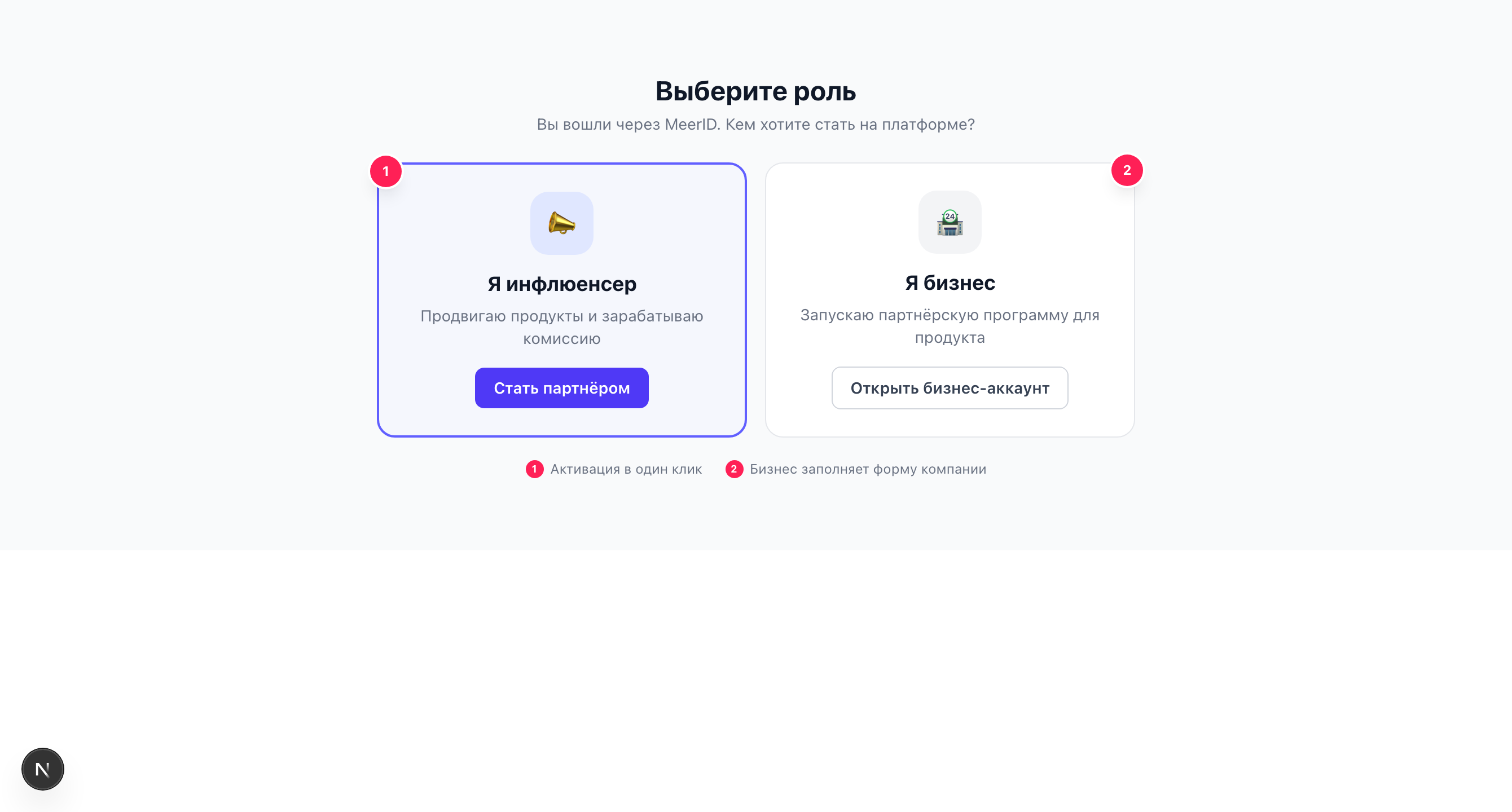
After your first sign-in via MeerID, the platform asks you to choose a role: influencer or business. Your choice determines which workspace opens. You can change the role or add a second one at any time.
Influencer or business
I promote products through affiliate links and earn a commission. Workspace /i.
I launch an affiliate program for my product and pay for results. Workspace /m.
How the roles differ
| Influencer | Business | |
|---|---|---|
| Workspace | /i | /m |
| Goal | Promote offers and earn | Attract traffic and pay for results |
| What it creates | Tracking links | Offers |
| Money | Receives commission, withdraws | Tops up escrow, pays commissions |
| Key sections | Offer catalog, My links, Payouts | My offers, Balance, Integration |
| Activation | One click ("Become a partner") | Form: name, slug, currency |
How to activate an influencer
Choose "I'm an influencer" and click the "Become a partner" button. The affiliate workspace activates instantly — with no forms to fill out. After that you land in the influencer workspace (/i).
Clicking again is safe
Activation is idempotent: if you already have an affiliate workspace, clicking again won't break anything or create a duplicate — you'll simply end up in the workspace.
How to create a business
Choose "I'm a business" and fill out the form. The fields and constraints:
company_namestringrequiredThe company name. At least 2 characters.
tenant_slugstringrequiredThe URL identifier of your space (tenant). Lowercase Latin letters, digits and hyphen only — pattern ^[a-z0-9-]+$, at least 2 characters. Unique across the platform.
default_currencystringrequiredThe primary currency of the space. Exactly 3 letters (for example, RUB, USD, EUR).
After submission, a business space (tenant) is created and the workspace (/m) opens.
If the slug is already taken
tenant_slug is unique across the platform. If the slug you chose is already in use, the form returns the error TENANT_SLUG_TAKEN — pick another one. Only lowercase Latin letters, digits and hyphen are allowed; spaces, uppercase letters and special characters are forbidden.
You can have both roles
You don't have to choose one thing forever. A single MeerID account can hold both an influencer workspace and a business workspace at once — you can add the second role later from the profile menu. How it works: Multiple accounts.